Folders, not code
teaching the architecture
the personal website prompt
build a badass personal website in five minutes. fill it in, copy your prompt, paste it into claude with your resume or linkedin pdf attached.
read the whole prompt
Build my personal website as a single HTML file and show it as an artifact. Here's me:

My goal for the next 6 months: [my goal]
If I were to metaphorically write a book over the next 6 months, I'd talk to [who I'd talk to] about [what about]
Themes I keep coming back to, hobbies included: [2 to 3 themes]
Name: [my name]
Where I post (or want to start): [where I post]
Email: [email]
Vibe: you pick, make it memorable

If my answers are specific, build it right away. If my book answer is vague or generic, ask me just this one question first, then build: "Picture a table for 12 at dinner. Who's sitting at it, and what are you all talking about?"

If I attached my resume or LinkedIn PDF, use it; otherwise use only what's above. If something is missing, make a sensible choice from my answers, but never invent facts, numbers or results about me, and leave off my phone number and address.

Headline: one first-person line saying who I'm talking to and about what over the next 6 months, like "For the next 6 months, I'm talking to fintech founders about how they got their first 10 customers." The book is a way to find my direction, not a real book: never say I'm writing one.

Sections, in order: my name and that headline, what I'm into (my themes, hobbies included, as the way I see my work), 3 or 4 things I've done (the ones that best back up my goal), and contact (a big email button, plus a link to where I post if I gave one). Write it so the people I'd talk to would want to reach out, and so it helps me reach my goal.

Short, first person, plain words. Sound like a real person, not a LinkedIn headline. Fonts with character (not Inter, Poppins or Montserrat). No stock photos, no em dashes, no gradients or glowing purple. Make it look great on a phone.
what it is
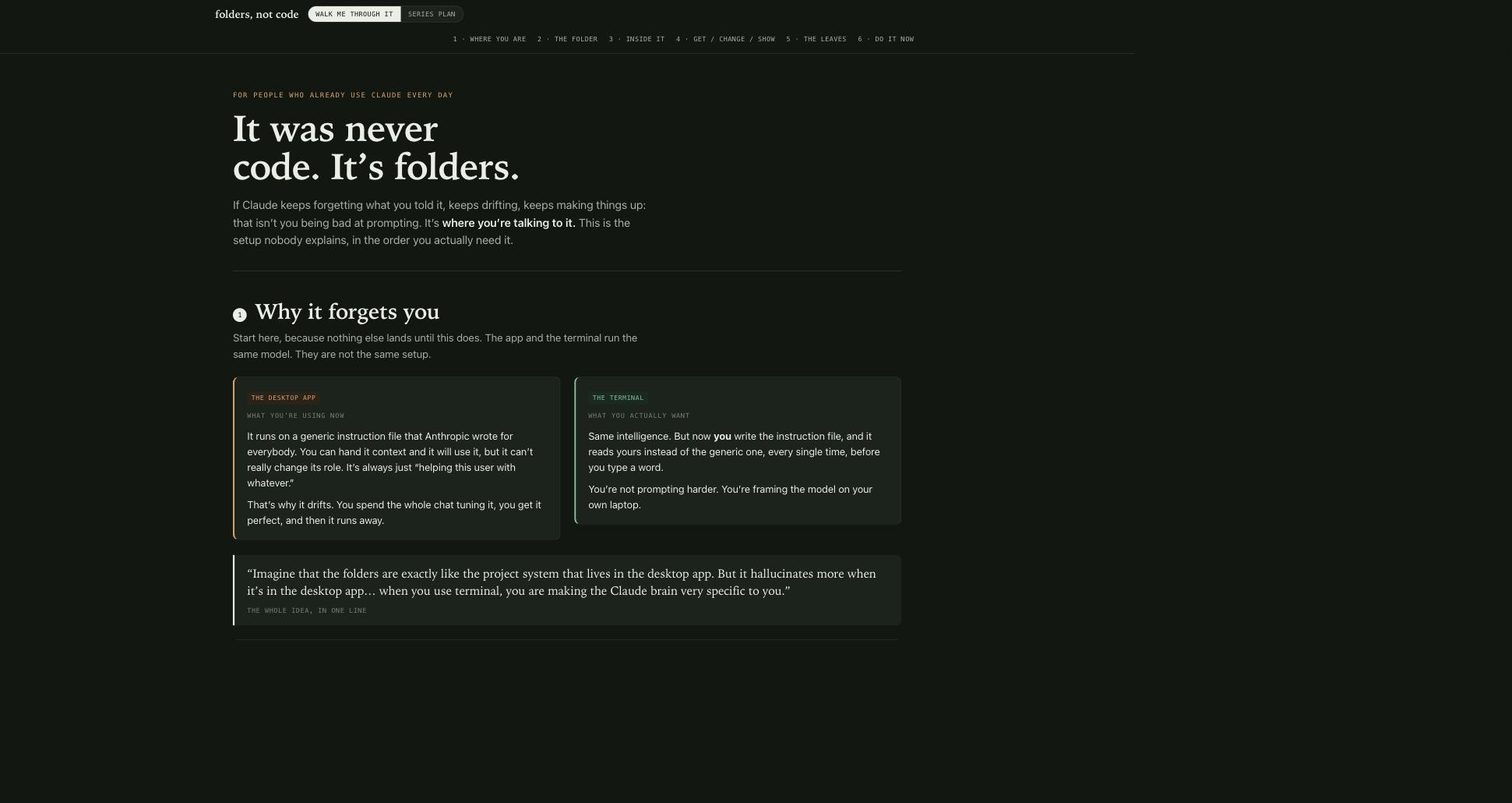
the thing i kept explaining out loud and finally built. if Claude keeps forgetting what you told it, that isn't bad prompting, it's where you're talking to it. the desktop app runs on a generic instruction file written for everybody; the terminal reads yours. so it walks you through it in order: why it forgets you, one project one folder, what actually goes inside, and the three questions every build comes down to, get it, change it, show it. made for someone who uses Claude daily and can feel there's another level.